

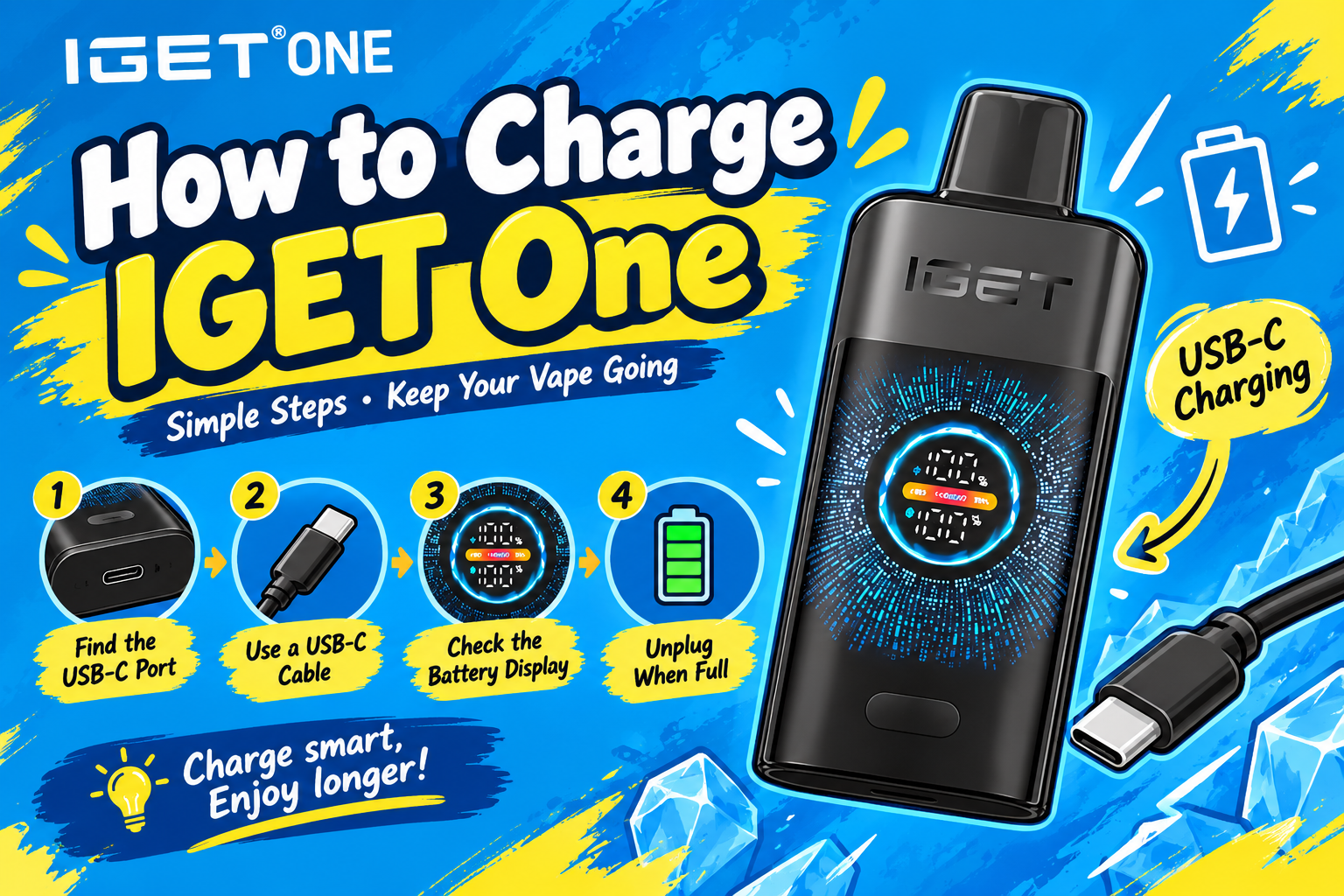
How to Charge IGET One: 2026 Charging Guide

Is IGET One Rechargeable?
How to Charge IGET One 12000
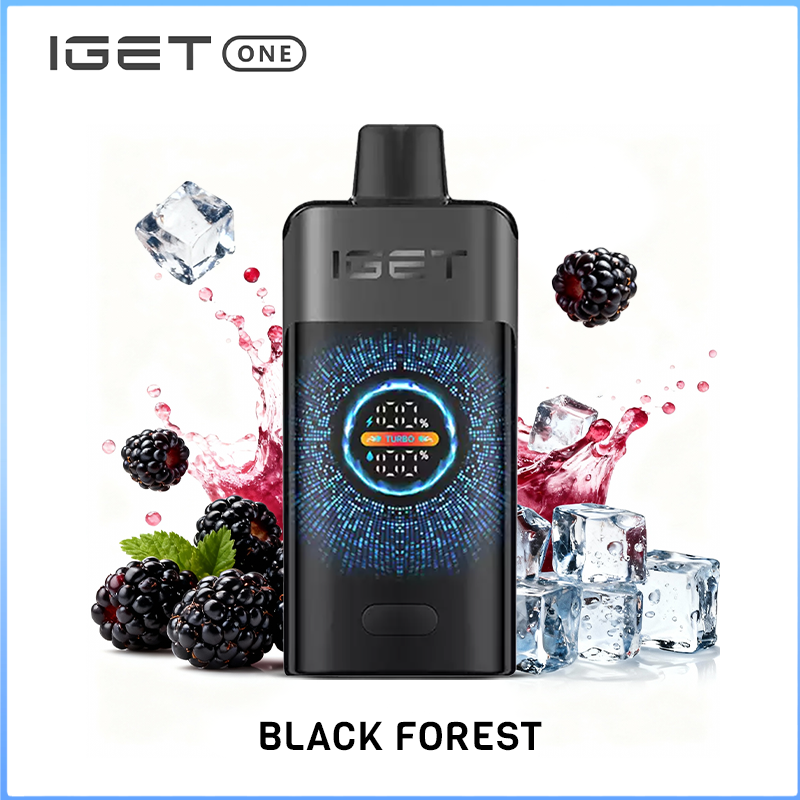
IGET One Black Forest 12000 puffs
The IGET One Black Forest offers a symphony of berry goodness, seamlessly combining the succulent sweetness of ripe raspberries, blackberries, and an assortment of other berries, creating a vibrant and complex profile that delivers a fruity explosion with every satisfying puff.
Contact us to place an order, more discounts are waiting for you.We promise to deliver within 48 hours.
Select options
This product has multiple variants. The options may be chosen on the product page
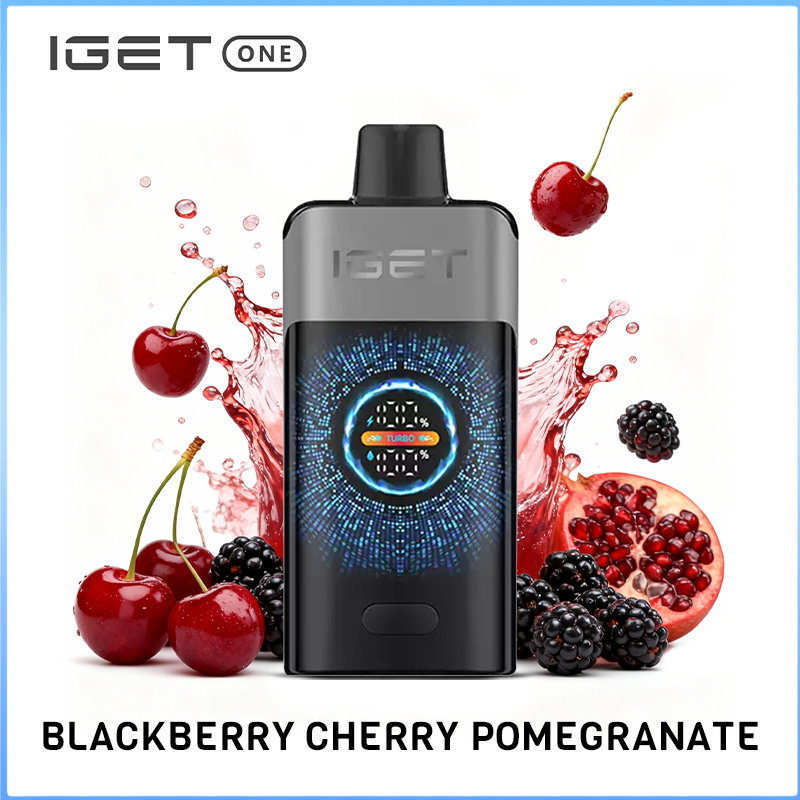
IGET One Blackberry Cherry Pomegranate 12000 puffs
The IGET One Black Forest offers a symphony of berry goodness, seamlessly combining the succulent sweetness of ripe raspberries, blackberries, and an assortment of other berries, creating a vibrant and complex profile that delivers a fruity explosion with every satisfying puff.
Contact us to place an order, more discounts are waiting for you.We promise to deliver within 48 hours.
Select options
This product has multiple variants. The options may be chosen on the product page
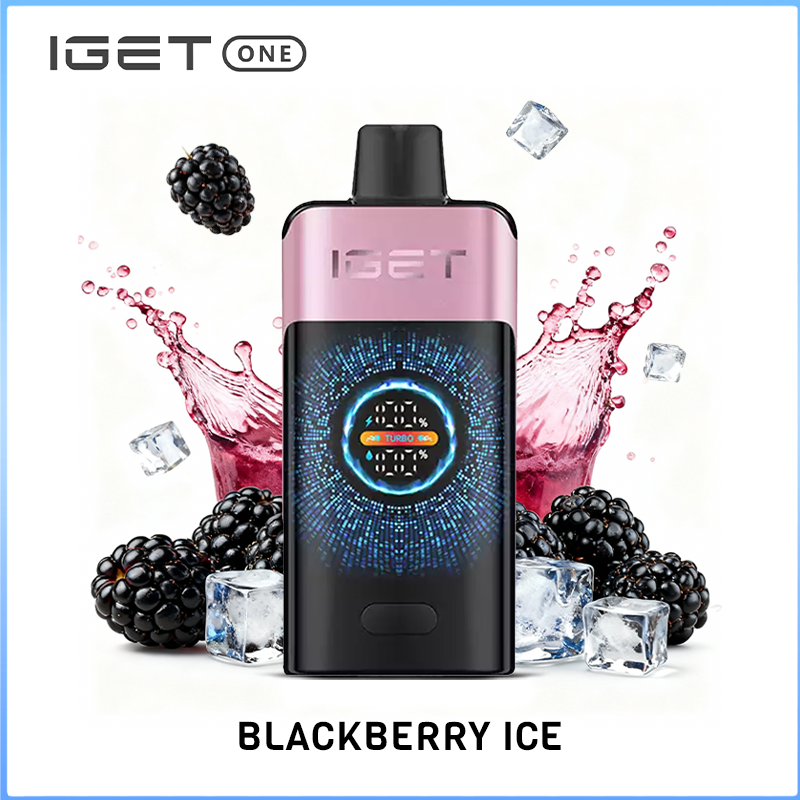
IGET One Blackberry Ice 12000 Puffs
The IGET One Blackberry Ice is a perfect blend of delicious blackberries with an icy, refreshing menthol finish.
Contact us to place an order, more discounts are waiting for you.We promise to deliver within 48 hours.
Select options
This product has multiple variants. The options may be chosen on the product page
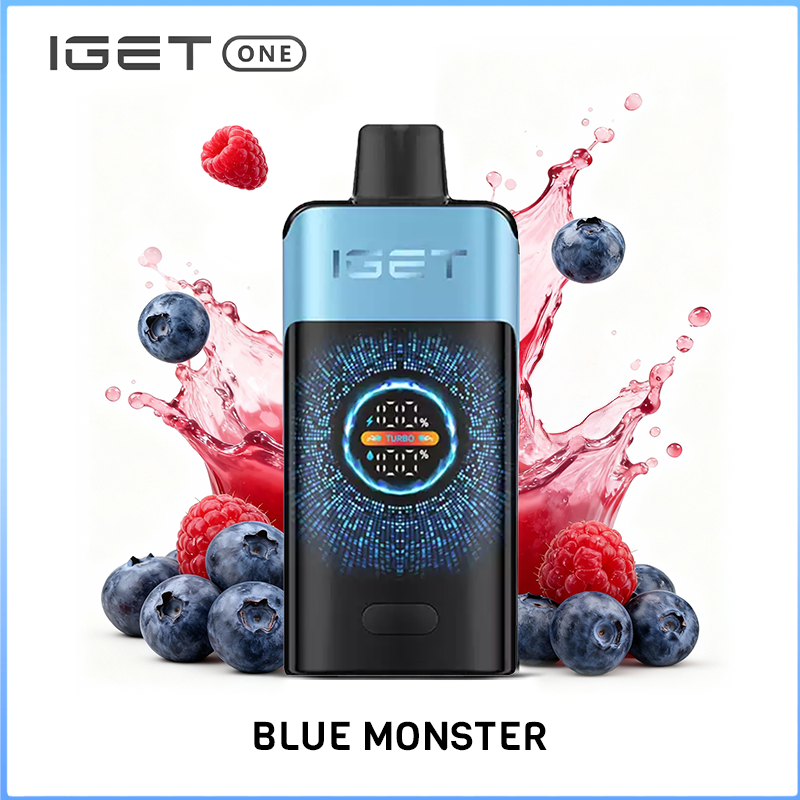
IGET One Blue Monster 12000 Puffs
The IGET One Blue Monster is a perfect blend of tangy blueberry sweetness and the bold, electrifying kick of energy drink for a refreshing and invigorating vape.
Contact us to place an order, more discounts are waiting for you.We promise to deliver within 48 hours.
Select options
This product has multiple variants. The options may be chosen on the product page
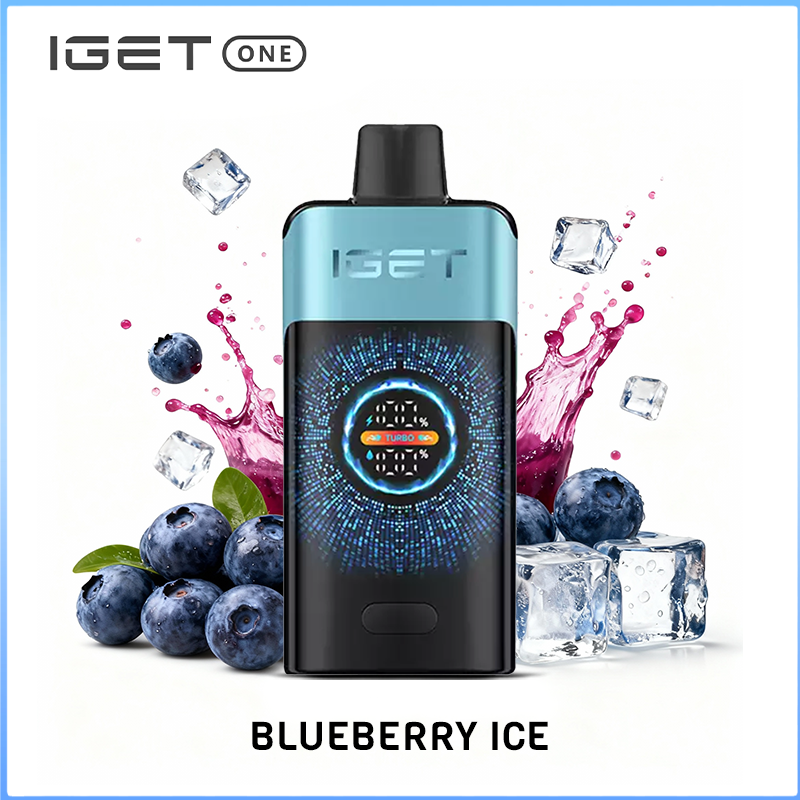
IGET One Blueberry Ice 12000 puffs
The IGET One Blue Monster is a perfect blend of tangy blueberry sweetness and the bold, electrifying kick of energy drink for a refreshing and invigorating vape.
Contact us to place an order, more discounts are waiting for you.We promise to deliver within 48 hours.
Select options
This product has multiple variants. The options may be chosen on the product page
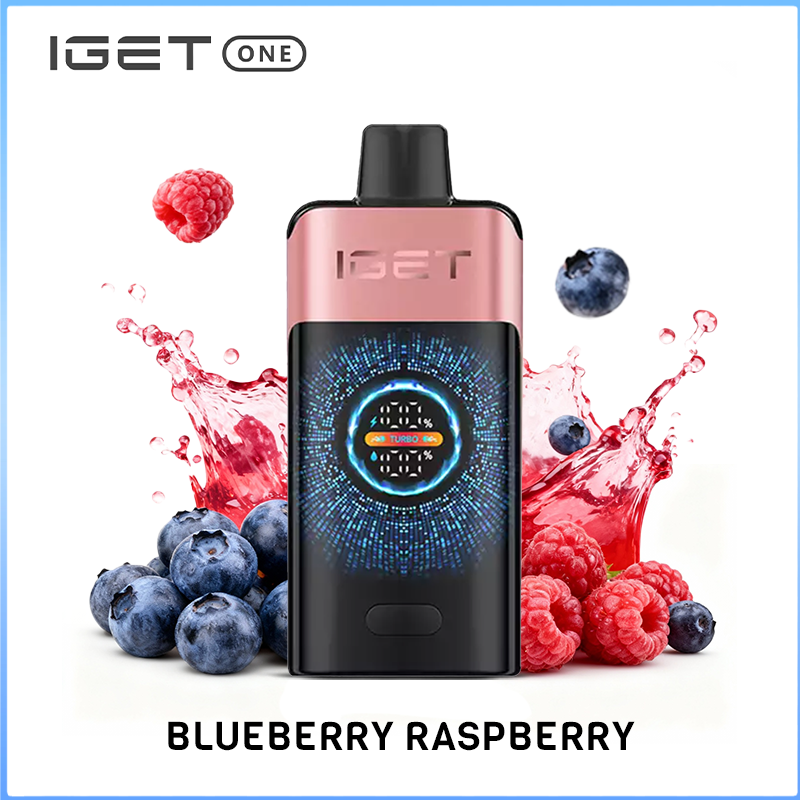
IGET One Blueberry Raspberry 12000 puffs
The IGET One Black Forest offers a symphony of berry goodness, seamlessly combining the succulent sweetness of ripe raspberries, blackberries, and an assortment of other berries, creating a vibrant and complex profile that delivers a fruity explosion with every satisfying puff.
Contact us to place an order, more discounts are waiting for you.We promise to deliver within 48 hours.
Select options
This product has multiple variants. The options may be chosen on the product page
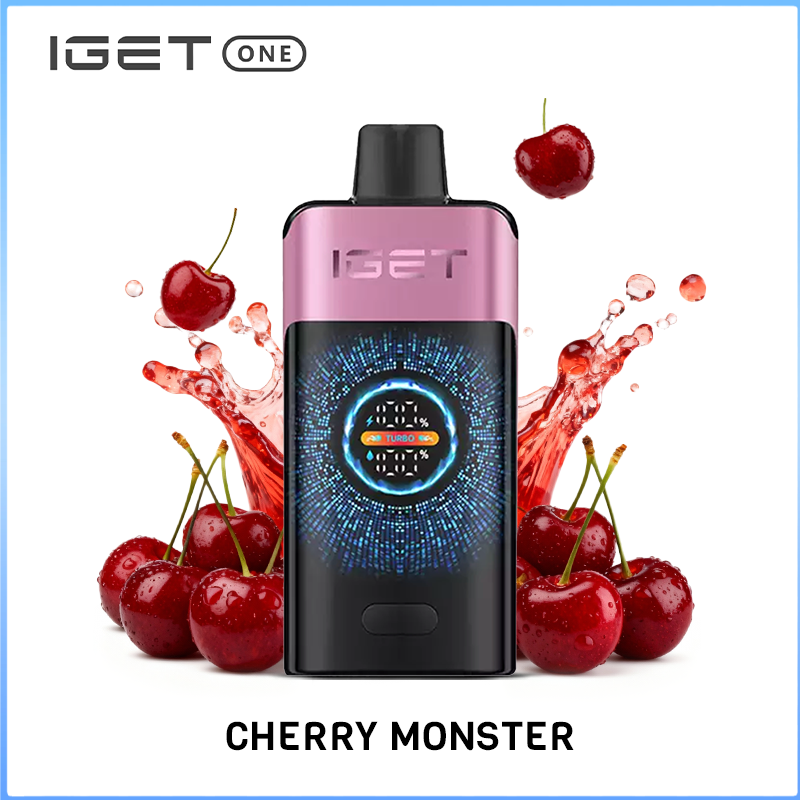
IGET One Cherry Monster 12000 puffs
The IGET One Cherry Monster combines the succulent and tangy taste of cherries with the bold, electrifying kick of energy drink for a refreshing and invigorating vape.
Contact us to place an order, more discounts are waiting for you.We promise to deliver within 48 hours.
Select options
This product has multiple variants. The options may be chosen on the product page
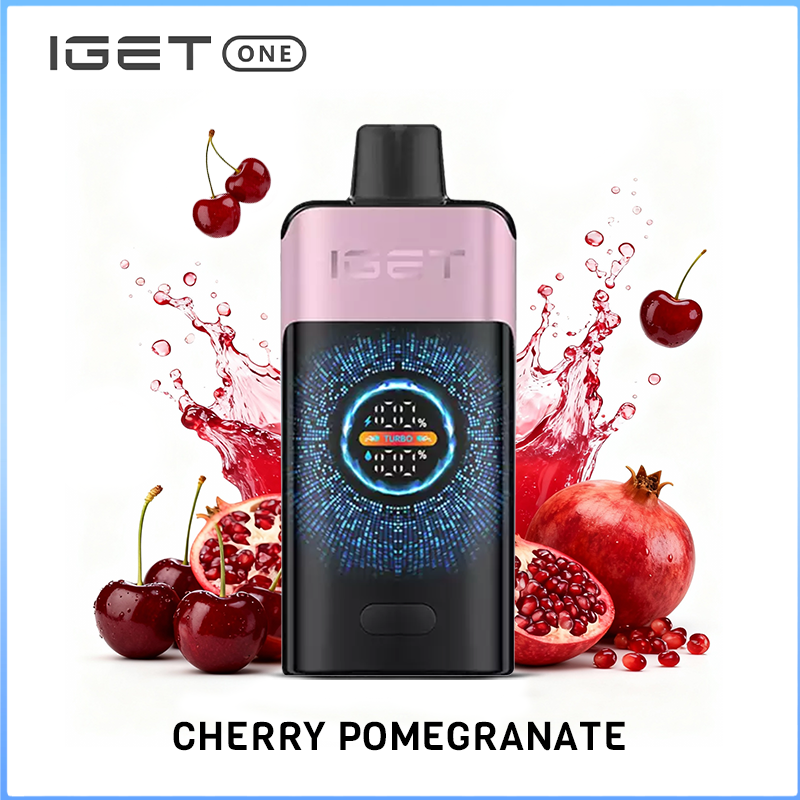
IGET One Cherry Pomegranate 12000 puffs
The IGET One Cherry Pomegranate combines the succulent and tangy taste of cherries with the rich and slightly tart essence of pomegranates, resulting in a harmonious blend of fruity flavours that excite the palate. With every inhale, you'll enjoy the vibrant combination of cherry and pomegranate, creating a deliciously
Contact us to place an order, more discounts are waiting for you.We promise to deliver within 48 hours.
Select options
This product has multiple variants. The options may be chosen on the product page
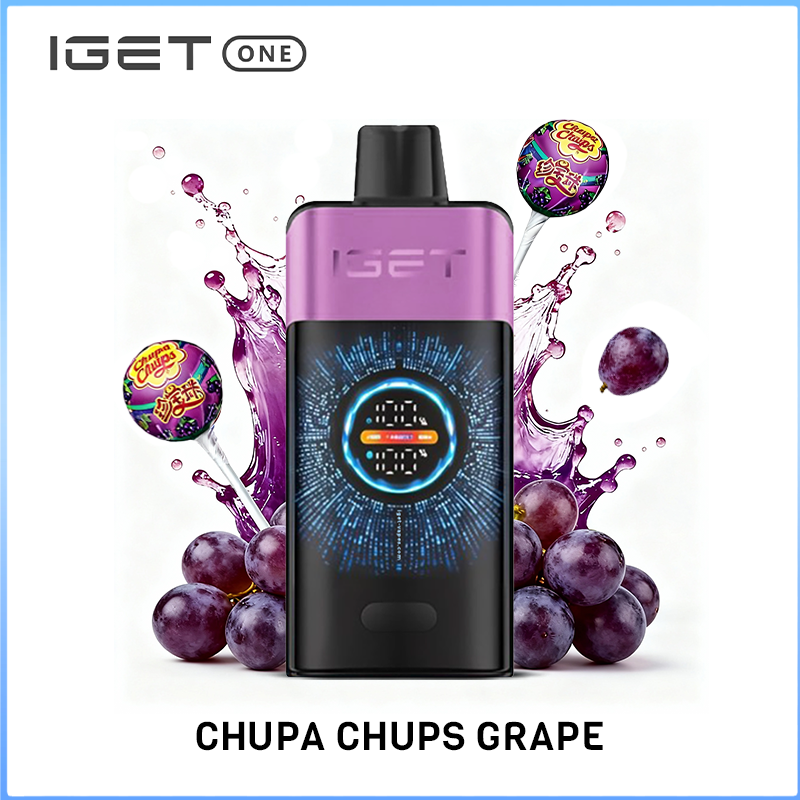
IGET One Chupa Chups Grape 12000 puffs
The IGET One Chupa Chups Grape captures the nostalgic sweetness of classic grape candy, offering a rich, fruity flavour perfectly balanced with a smooth finish. This delightful blend is perfect for those who enjoy a sweet and fruity vaping experience that transports you back to your childhood.
Contact us to place an order, more discounts are waiting for you.We promise to deliver within 48 hours.
Select options
This product has multiple variants. The options may be chosen on the product page
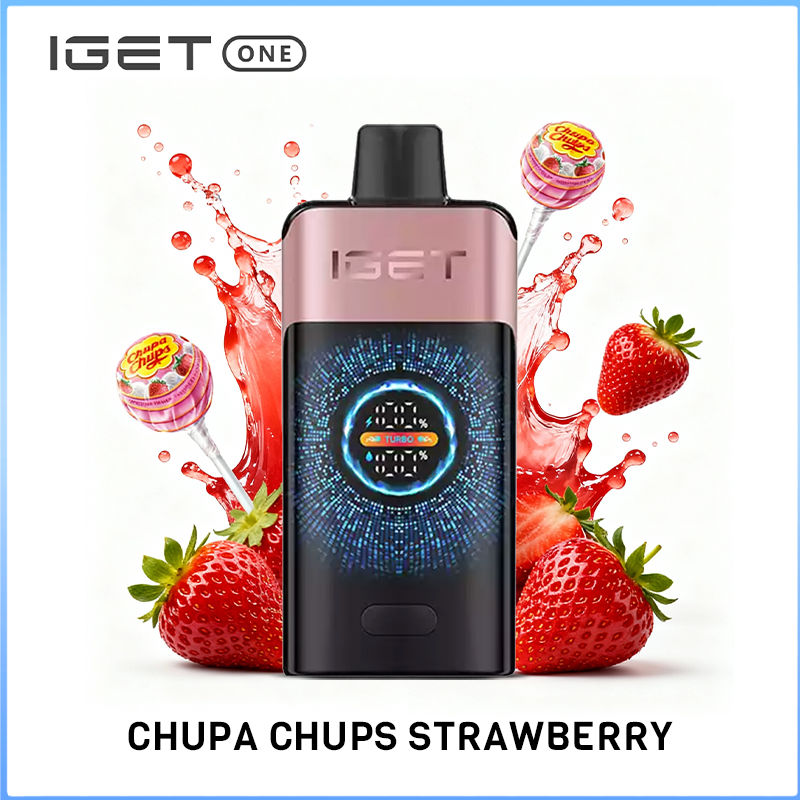
IGET One Chupa Chups Strawberry 12000 puffs
The IGET One Chupa Chups Strawberry captures the nostalgic sweetness of classic strawberry candy, offering a rich, fruity flavour perfectly balanced with a smooth finish. This delightful blend is perfect for those who enjoy a sweet and fruity vaping experience that transports you back to your childhood.
Contact us to place an order, more discounts are waiting for you.We promise to deliver within 48 hours.
Select options
This product has multiple variants. The options may be chosen on the product page
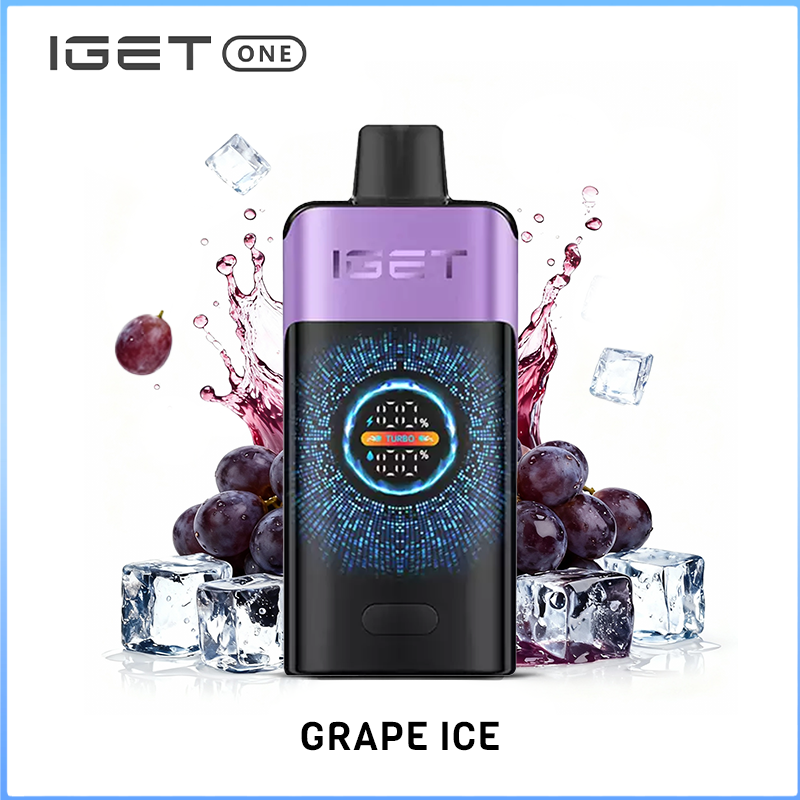
IGET One Grape Ice 12000 Puffs
The IGET One Grape Ice combines the luscious taste of ripe grapes with a refreshing icy twist, offering a delightful balance of fruity sweetness and cooling sensation in every puff. Experience the invigorating fusion of grape flavours and a frosty finish, providing a satisfying and cool vaping experience.
Contact us to place an order, more discounts are waiting for you.We promise to deliver within 48 hours.
Select options
This product has multiple variants. The options may be chosen on the product page
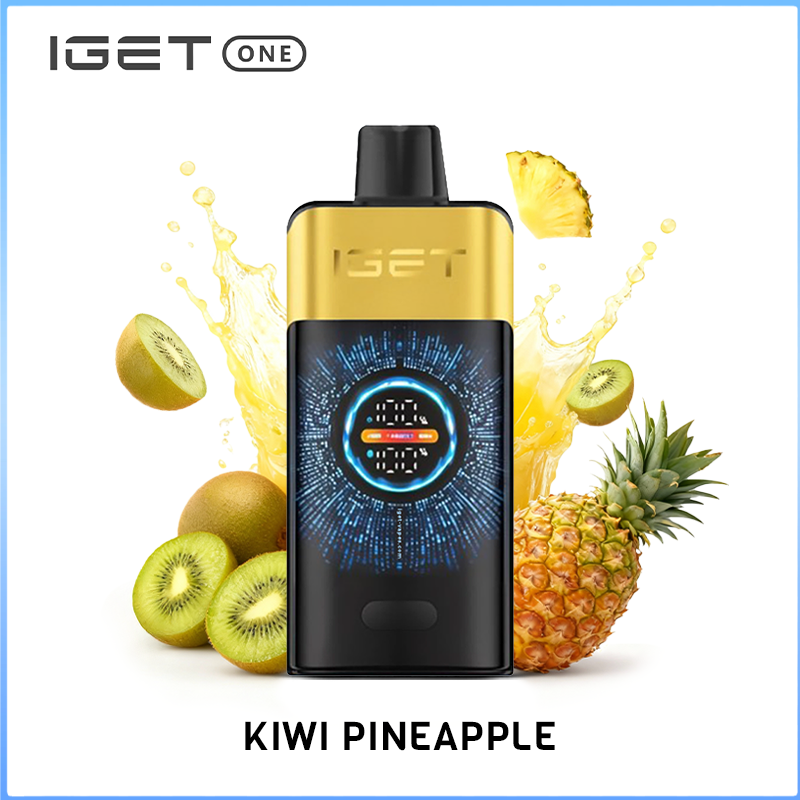
IGET One Kiwi Pineapple 12000 puffs
The IGET One Kiwi Pineapple offers a symphony of berry goodness, seamlessly combining the succulent sweetness of ripe raspberries, blackberries, and an assortment of other berries, creating a vibrant and complex profile that delivers a fruity explosion with every satisfying puff.
Contact us to place an order, more discounts are waiting for you.We promise to deliver within 48 hours.
Select options
This product has multiple variants. The options may be chosen on the product page