
How to Open an IGET Moon K5000: Simple Step-by-Step Guide
How to Open an IGET Moon K5000
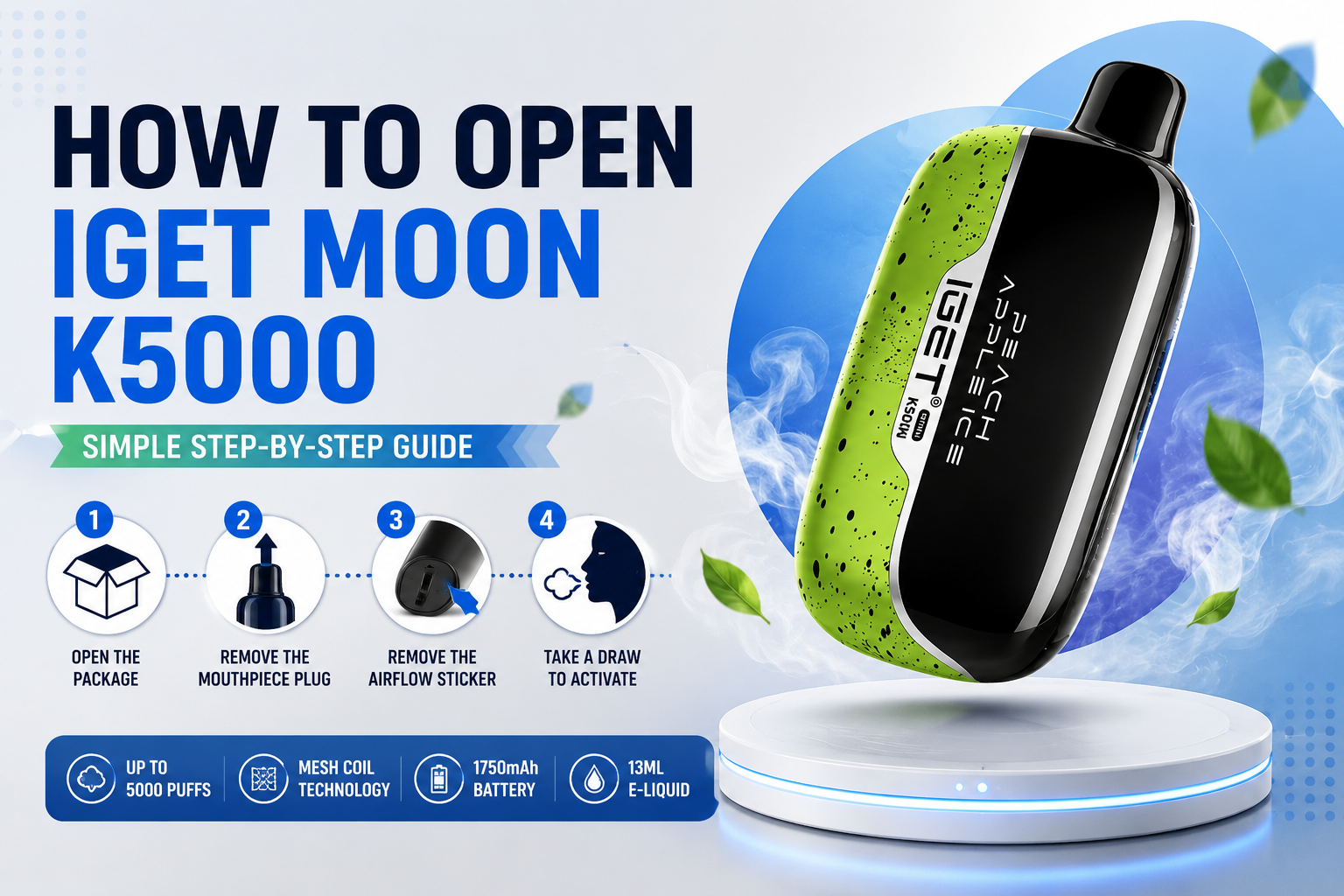
If you have just purchased an IGET Moon K5000 and are wondering how to open an IGET Moon, the process is much easier than opening a traditional vape device. The IGET Moon is designed as a draw-activated disposable, so there is no button, tank or pod that needs to be manually assembled.
The key is simply removing the protective packaging and seals before taking your first draw.
What Is the IGET Moon K5000?
The current IGET Moon K5000 is rated for up to 5,000 puffs and is commonly listed with a 1.35Ω mesh coil, 1,750mAh pre-charged battery and approximately 13ml of e-liquid. Current 2026 Australian-market guides describe it as a non-rechargeable, draw-activated device.
Its button-free design means there is no complicated setup. You do not need to refill the device or install a separate pod.
IGET MOON Banana Ice 5000 Puffs
IGET MOON Blueberry Raspberry Ice 5000 Puffs
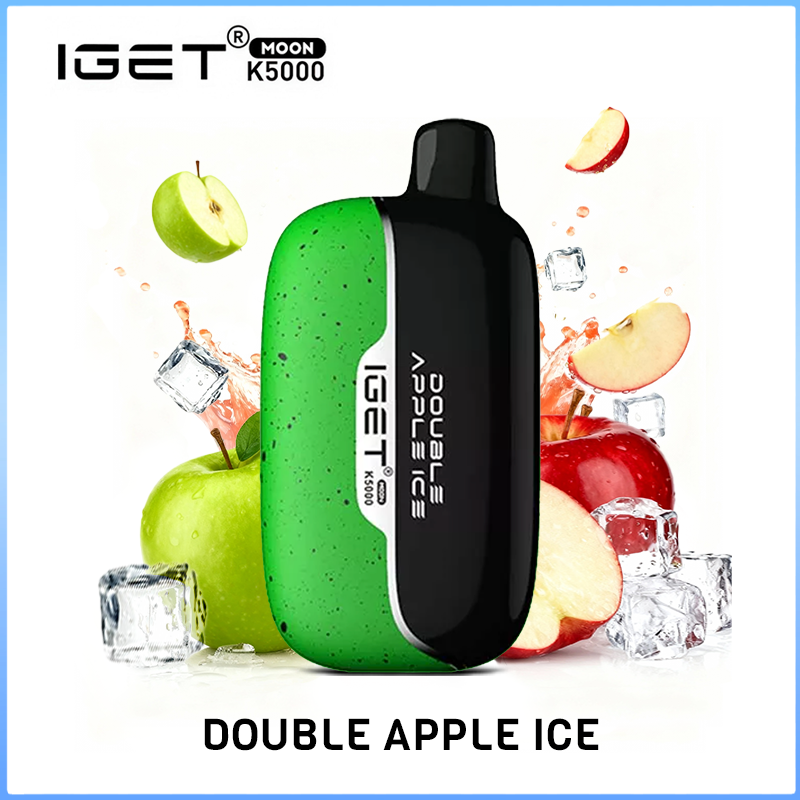
IGET MOON Double Apple Ice 5000 Puffs

IGET MOON Dragon Fruit Lemon Ice 5000 Puffs

IGET MOON Melon Pineapple Orange 5000 Puffs

IGET MOON Orange Peel Apple Ice 5000 Puffs

IGET MOON Passion Fruit Kiwi Guava Ice 5000 Puffs

IGET MOON Passion Fruit Lychee 5000 Puffs

IGET MOON Peach Apple 5000 Puffs

IGET MOON Pineapple Grape Ice 5000 Puffs

IGET MOON Pineapple Kiwi Ice 5000 Puffs
IGET MOON Pomegranate Kiwi Ice 5000 Puffs
How to Open an IGET Moon
Step 1: Open the Outer Packaging
Remove the IGET Moon K5000 from its sealed packaging. Check that the device and packaging appear intact before use.
Do not try to dismantle the body of the device. “Opening” an IGET Moon normally means preparing it for first use rather than taking apart the internal components.
Step 2: Remove the Mouthpiece Plug
Look at the top of the IGET Moon. A small silicone protective plug may cover the mouthpiece.
Pull the plug out completely and keep the mouthpiece clear. Current usage guides specifically identify this silicone stopper as one of the seals that needs to be removed before vaping.
Step 3: Remove the Airflow Sticker
Turn the device over and check the bottom.
You may find a protective sticker covering the airflow inlet. Carefully peel it away completely. Leaving this sticker in place can restrict airflow and prevent the draw sensor from activating correctly.
Step 4: Take a Gentle First Draw
Once both protective seals have been removed, place the mouthpiece between your lips and take a slow, gentle draw for around 2–3 seconds.
The IGET Moon uses an automatic draw-activation system, so there is no power button to press.
For the first few draws, avoid taking extremely hard or continuous pulls.
Should You Take the IGET Moon Apart?
No. If by “how to open an IGET Moon” you mean removing the casing, battery or internal tank, that is not normal user maintenance.
The IGET Moon is designed to be used as a complete device. Do not pry open the casing, puncture the battery or attempt to refill the internal reservoir. If the device is damaged, leaking or unusually hot, stop using it.
IGET Moon Not Working After Opening?
If there is no vapour after preparation, check these points:
- Mouthpiece silicone plug has been removed
- Bottom airflow sticker has been removed
- Air inlet is not blocked
- You are drawing gently through the mouthpiece
- The device is not visibly damaged
These simple checks address the most common preparation problems reported in current IGET Moon usage guides.
Remove the outer packaging, pull out the mouthpiece silicone plug and remove the protective airflow sticker from the bottom. Then take a gentle draw.
No. The K5000 is draw-activated, so inhaling through the mouthpiece activates the device.
Current 2026 product guides identify the K5000 as non-rechargeable and pre-charged.
No. The device should not be disassembled. Only remove the external packaging and protective seals before use.