
BLOG

How to Recharge IGET BAR Pro: Complete Guide, Battery Tips & Product Review 2026

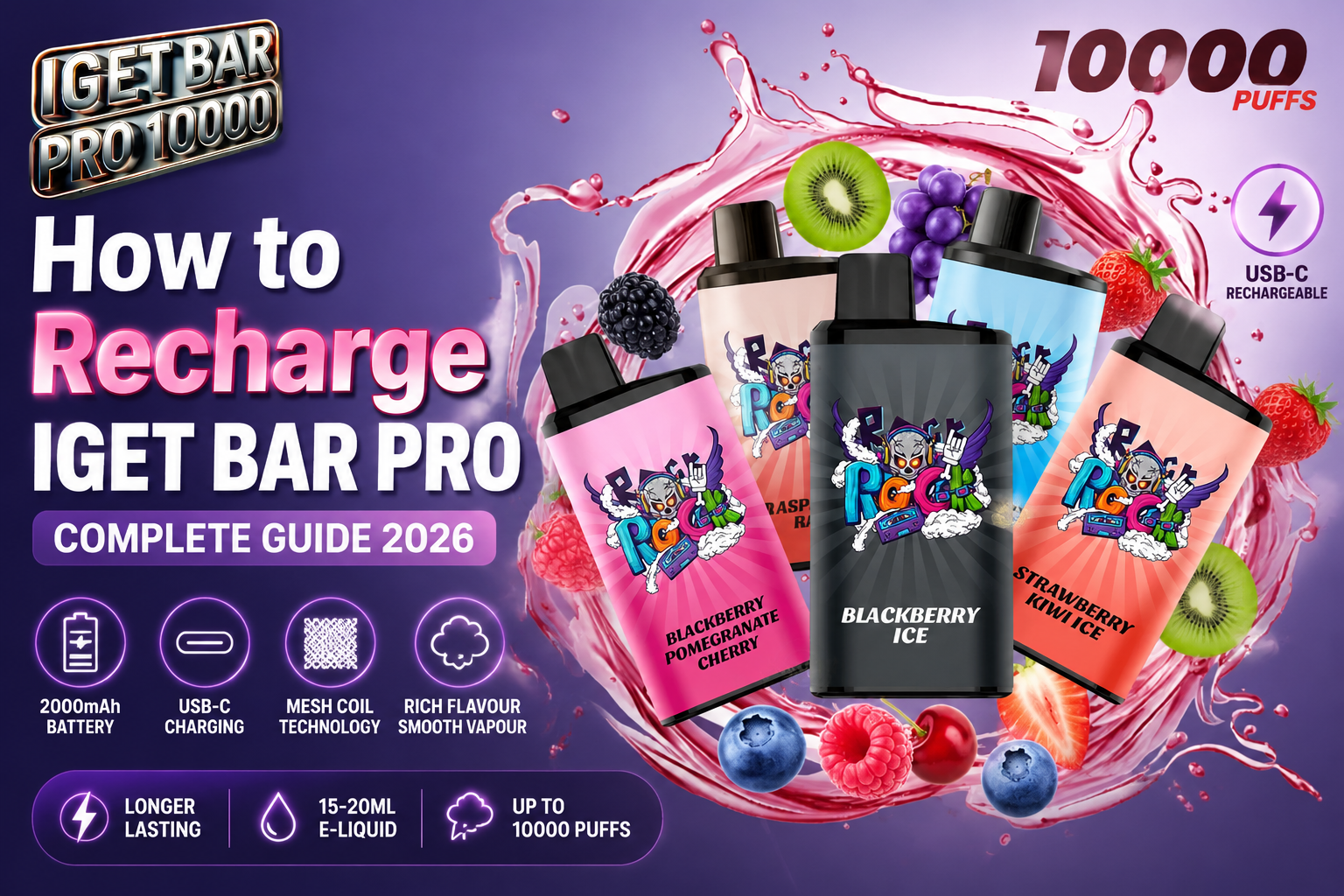
How to Recharge IGET BAR Pro: Everything You Need to Know in 2026

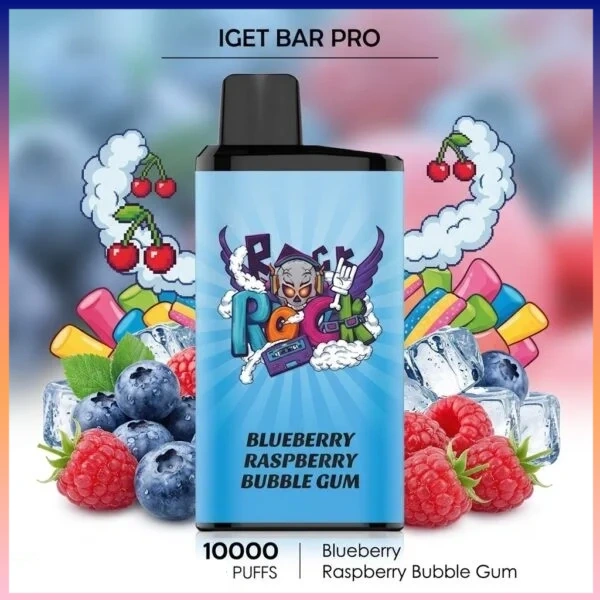
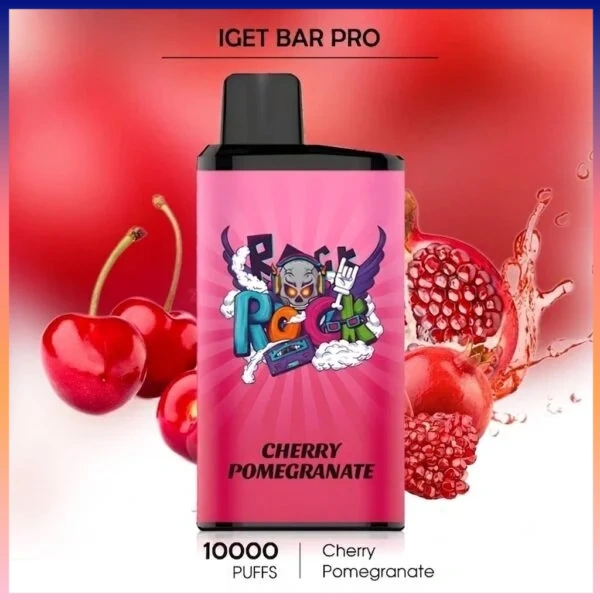
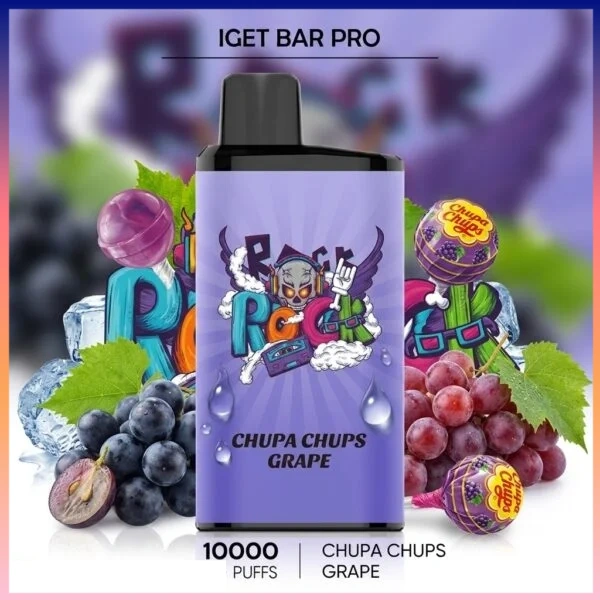
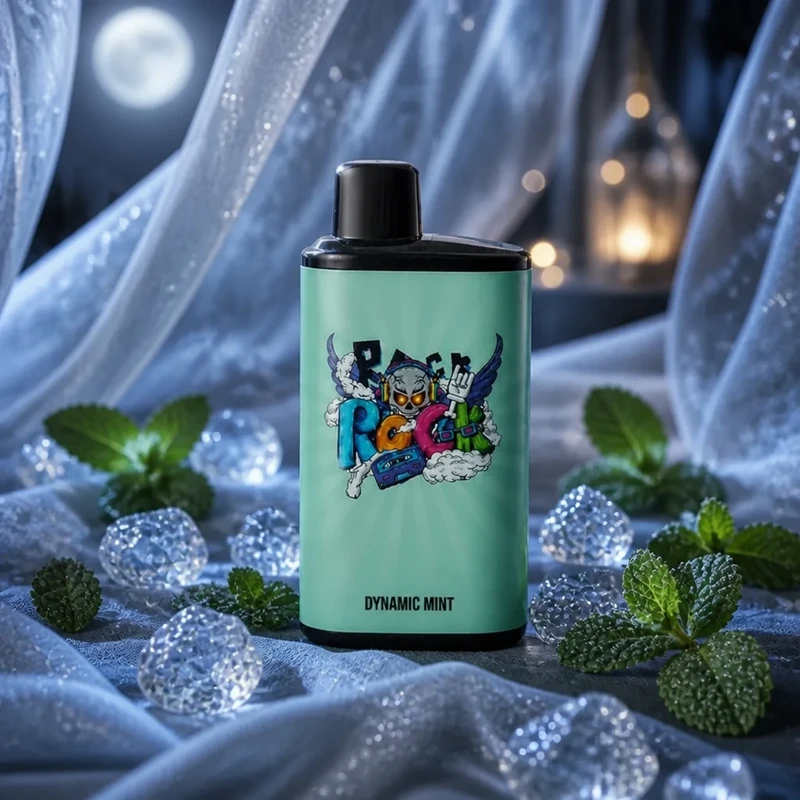
The IGET BAR Pro has become one of the most searched high-capacity IGET products because of its large puff count, strong flavour performance and upgraded design.

One of the most common questions from users is:

“How to recharge IGET BAR Pro?”

Many people search this because the IGET BAR Pro is marketed as a 10,000 puff high-capacity device, which naturally creates questions about its battery, charging method and how to extend its lifespan.

This guide explains everything about IGET BAR Pro charging, battery performance, specifications, usage tips and what makes this model different from traditional IGET devices.

What Is IGET BAR Pro?

The IGET BAR Pro is an upgraded version of the original IGET BAR series, designed for users who want longer-lasting performance and stronger flavour delivery.

Compared with smaller disposable models, BAR Pro focuses on:

  • Higher puff capacity
  • Larger battery performance
  • Improved mesh coil technology
  • Wider flavour selection
  • More consistent vapour output

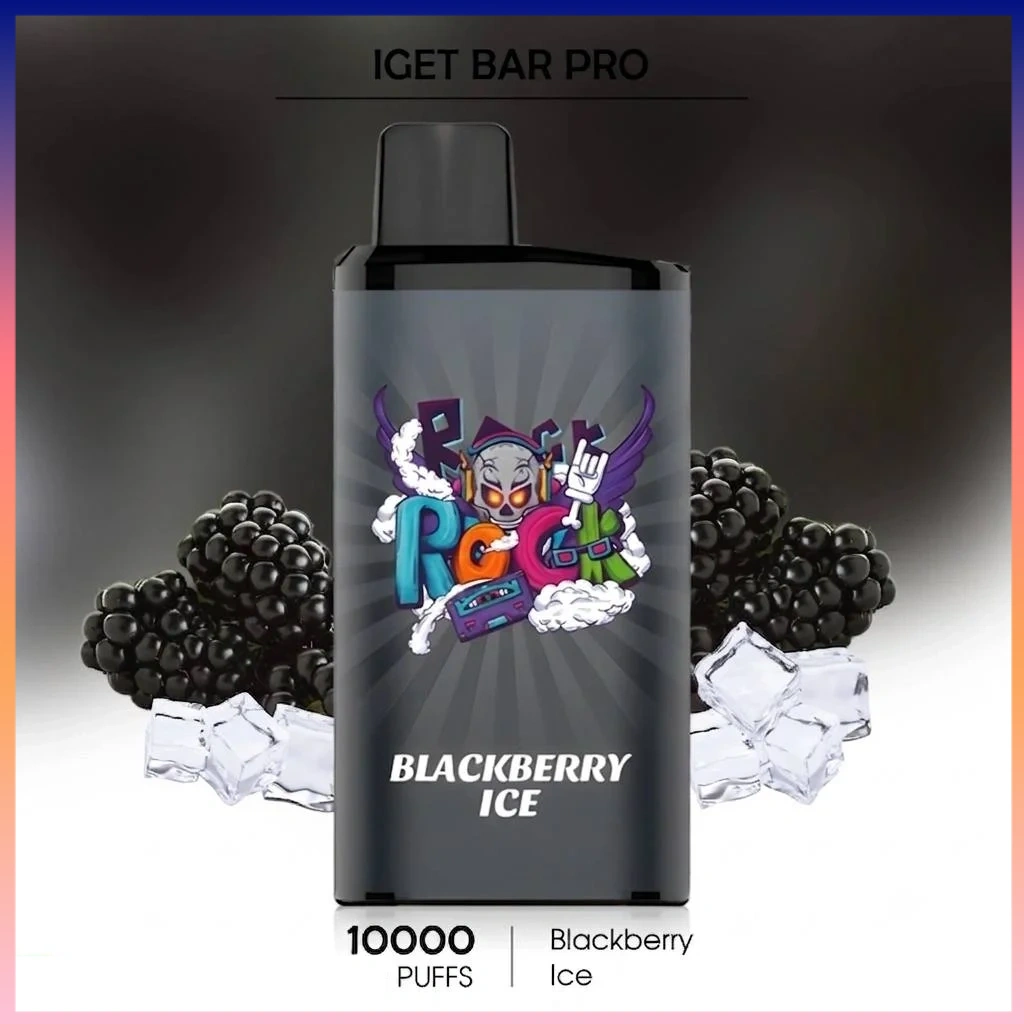
Current product listings commonly describe IGET BAR Pro as a 10,000-puff device featuring a 1.2Ω mesh coil and a 2,000mAh battery, with a compact PC + aluminium body design.

Can You Recharge IGET BAR Pro?

The answer depends on the exact IGET BAR Pro version.

This is where many online articles become confusing because different market versions have different charging designs.

Some current listings describe the IGET BAR Pro as a USB-C rechargeable model, while other listings describe versions with a built-in battery designed to last through the full e-liquid capacity without charging.

Therefore, before charging your device:

Check the Bottom of Your IGET BAR Pro

Look at the base of the device.

If You See a USB-C Charging Port:

Your model supports charging.

If There Is No Charging Port:

Your model is designed as a non-rechargeable disposable device.

Do not attempt to open the device or manually charge the battery.

How to Recharge IGET BAR Pro (USB-C Version)

If your IGET BAR Pro includes a charging port, follow these steps:

Step 1: Find the Charging Port

The USB-C port is normally located at the bottom of the device.

Make sure the port is clean and free from dust.


Step 2: Connect a USB-C Cable

Use a standard USB-C charging cable.

You do not need a special IGET charger.

A normal USB power source such as:

  • Laptop USB port
  • Power bank
  • Standard USB adapter

can be used.


Step 3: Monitor the Charging Indicator

During charging, the LED indicator may show the charging status.

Depending on the version:

  • Light may turn on while charging
  • Light may change colour
  • Indicator may stop when fully charged

Some newer IGET models also include battery display features.


Step 4: Disconnect After Charging

Once the device is fully charged, unplug it.

Avoid leaving the device connected to power for extended periods.

How Long Does IGET BAR Pro Take to Charge?

Charging time depends on the battery version and power source.

For USB-C rechargeable versions, a full charge generally takes approximately:

30–60 minutes

Actual charging time can vary depending on:

  • Charger output
  • Cable quality
  • Remaining battery level

For daily use, many users only need a short charging period rather than a complete recharge.

IGET BAR Pro Specifications 2026

FeatureDetails
Product NameIGET BAR Pro
Puff CapacityUp to 10,000 puffs
BatteryAround 2,000mAh
Coil1.2Ω Mesh Coil
DesignPC + Aluminium body
ActivationDraw activated
Flavour OptionsMultiple fruit and ice flavours
SizeApprox. 44.1 × 22.5 × 96.5mm
WeightApprox. 93g

Common IGET BAR Pro Charging Problems

Why Is My IGET BAR Pro Not Charging?

Possible reasons include:

1. Dirty Charging Port

Dust or pocket debris can prevent proper connection.

Try gently cleaning the port.


2. Cable Problem

A damaged USB-C cable may not provide power.

Try another cable.


3. Battery Has Reached Its Limit

If the device has no charging port or the battery has reached the end of its lifespan, it cannot be restored.

Tips to Make Your IGET BAR Pro Last Longer

To get the best experience:

Avoid Extremely Long Draws

Long continuous pulls consume more e-liquid and battery power.


Store Properly

Keep your device:

  • Away from extreme heat
  • Away from direct sunlight
  • In a dry environment

Keep the Charging Port Clean

For rechargeable versions, regularly checking the USB-C port helps maintain stable charging performance.

IGET BAR Pro vs Regular IGET BAR

FeatureIGET BAR ProIGET BAR
Puff Count10,000Around 3,500
BatteryLargerSmaller
CoilMeshStandard versions vary
Flavour RangeMore optionsTraditional flavours
PositionPremium upgradeClassic model

The BAR Pro is designed as the higher-capacity option for users who want longer usage and stronger flavour performance.

Frequently Asked Questions

How do I recharge IGET BAR Pro?

First check whether your device has a USB-C charging port. If it does, connect a USB-C cable and charge through a standard USB power source.

Does every IGET BAR Pro recharge?

No. Different versions exist. Some IGET BAR Pro models include USB-C charging, while others are designed with a battery that matches the device lifespan. Check your exact model before charging.

How many puffs does IGET BAR Pro have?

IGET BAR Pro is commonly listed as providing up to 10,000 puffs.

What is the battery capacity of IGET BAR Pro?

Current product listings commonly specify around 2,000mAh battery capacity.

What are the best IGET BAR Pro flavours?

Popular choices include:

  • Strawberry Watermelon Ice
  • Grape Ice
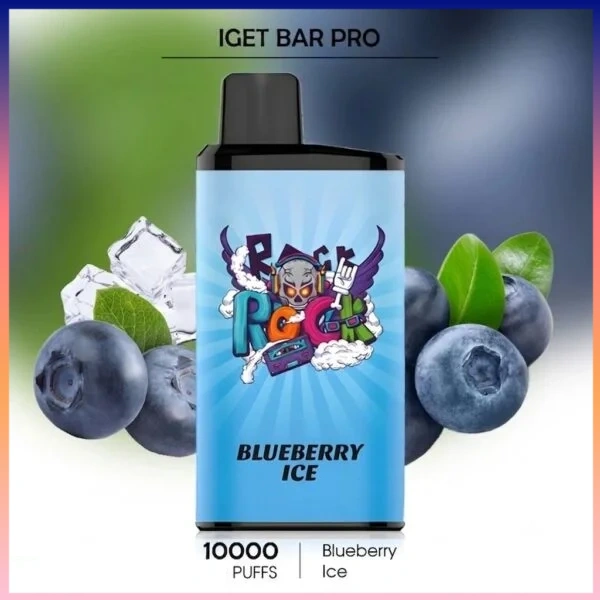
  • Blueberry Ice
  • Raspberry Grape
  • Kiwi Pineapple

Leave a Reply

Your email address will not be published. Required fields are marked *